
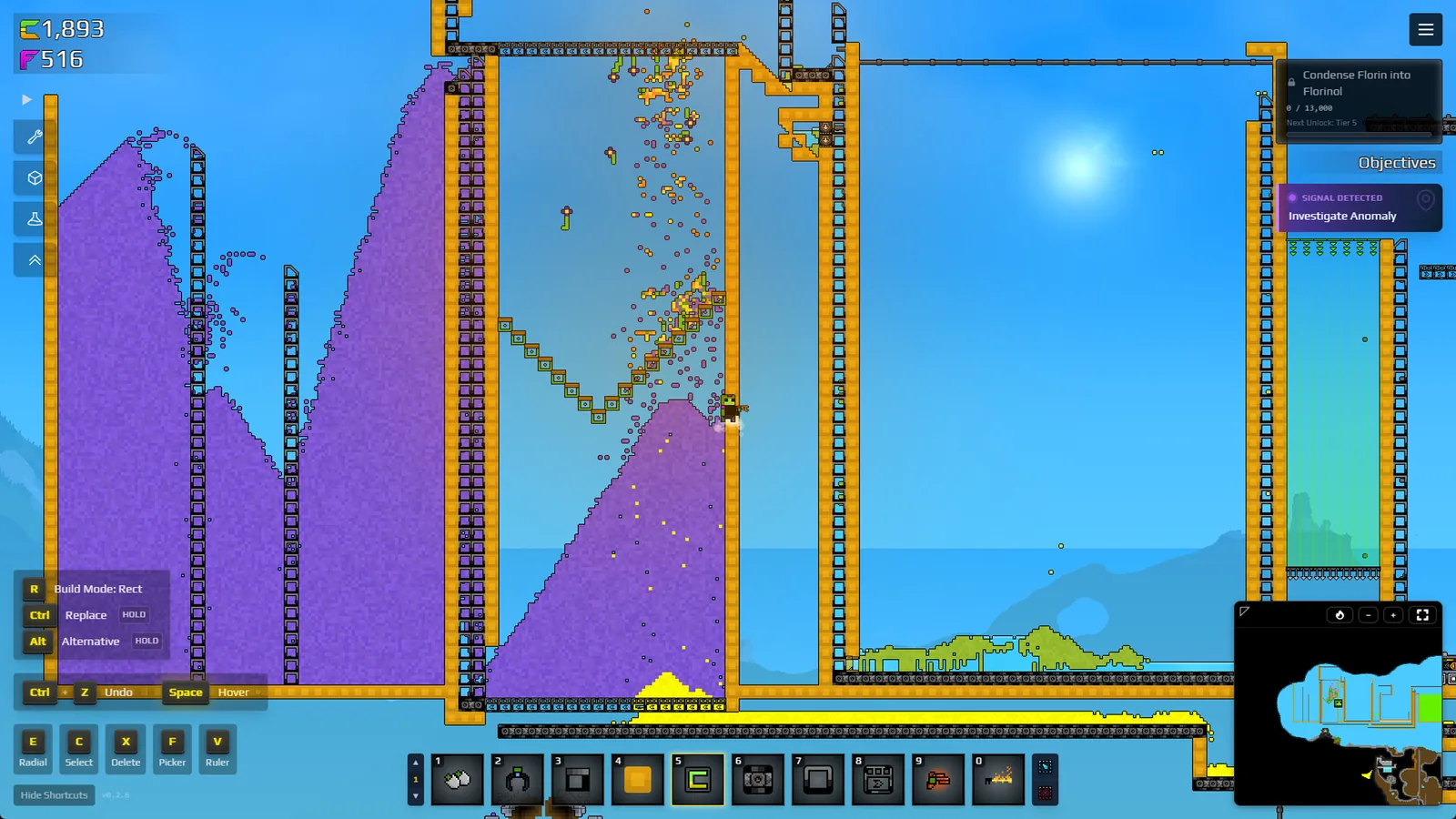
60-second setup
- Select the Filter tool
R is reported while the Filter placement tool is active, not while another building or utility is selected.
- Read the displayed controls
Use the on-screen binding if R was remapped.
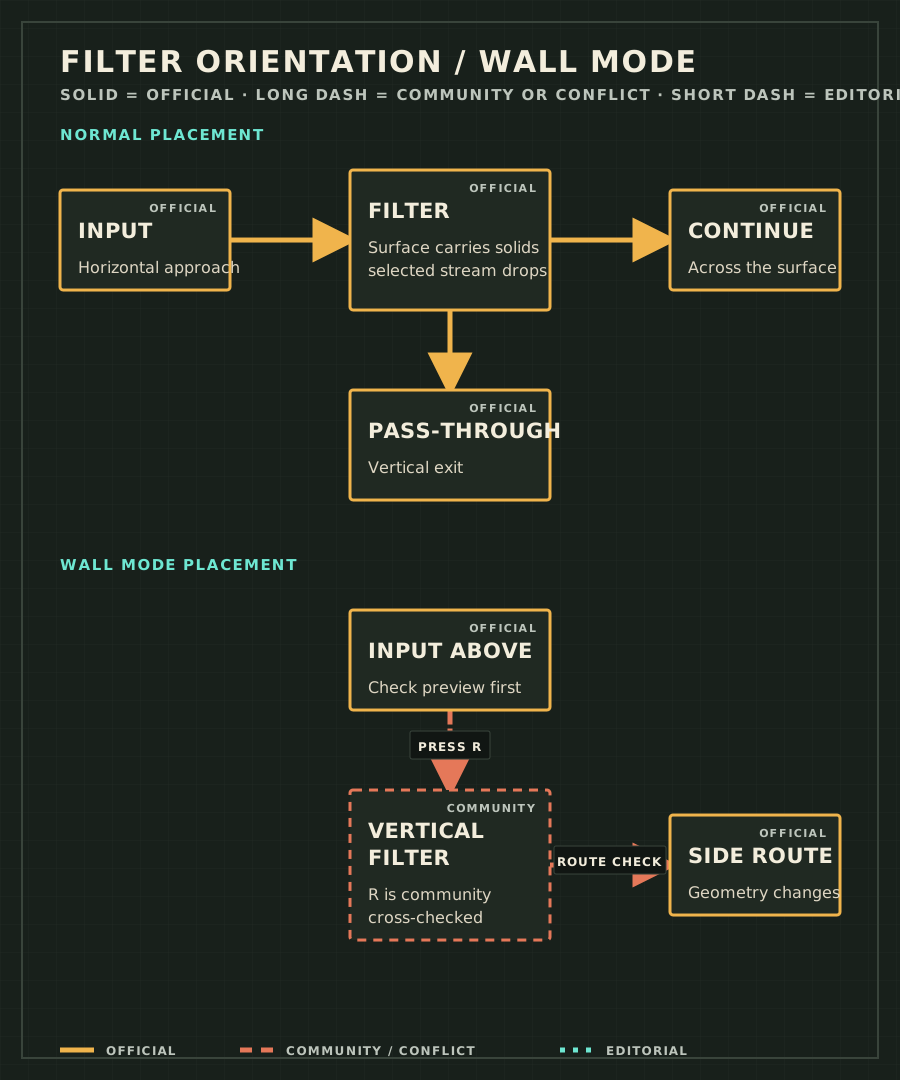
- Press R once
Current players repeatedly report this as the conveyor-to-wall placement toggle.
- Watch the ghost preview
Confirm the preview becomes the intended vertical boundary before drawing or placing anything.
- Place one short test wall
Give the crossing stream and the blocked stream separate, visible exits.
- Release a shallow sample
Confirm orientation first; configure Allow or Block only if the selected material is wrong.
Wall Mode does not replace the ordinary Filter Allow and Block settings. If the wall is protecting a Gold line but material still backs up, diagnose the Shaker input and both output paths separately.
| Control | What it changes | What it does not change | Completion check |
|---|---|---|---|
| R / Wall Mode | Placement orientation and boundary shape | Selected material or Allow / Block rule | The ghost preview shows the intended vertical wall. |
| Allow / Block | Which selected solid crosses the Filter | Wall orientation | A small sample reaches the two planned exits. |
| Wall length and endpoints | Where the boundary begins and ends | Filter selection | No end gap or diagonal corner lets material bypass it. |
| Symptom | Check | Next action |
|---|---|---|
| R does nothing | Is the Filter tool selected, and does the on-screen binding still show R? | Reselect the tool, use the displayed binding, and test in open space. |
| Preview changes but placement is still wrong | Was the wall drawn on the wrong axis or copied from a conveyor-form Filter? | Cancel it and place one short segment that matches the preview. |
| Wall is vertical but material selection is wrong | Is Allow or Block reversed, or is the wrong solid selected? | Change the Filter rule; do not keep toggling R. |
| Material leaks around an end or corner | Does the wall stop short or meet another block only diagonally? | Extend or seal the boundary, then retest with a shallow feed. |
| Material reaches the wall and stops | Is the crossing cell or destination already occupied? | Clear the far side and give both streams an exit. |
Update record
- 2026-08-23 — Put the 60-second setup before media, added the five exact failure states, and kept R labelled as current community evidence.
- 2026-08-21 — Replaced an unrelated Reddit URL with the current Wall Mode PSA and separated placement from selection.
Frequently asked questions
What key switches Filter Wall Mode?
Current Early Access players repeatedly report R while the Filter tool is selected. This is cross-checked community evidence, not a dedicated official key-binding specification; a remapped control can differ.
Why does R work but the material takes the wrong route?
R changes placement orientation; it does not change Allow or Block. Check the vertical ghost preview first, then open the Filter configuration and confirm which solid should cross.
Why does material stop at the Filter wall?
The far side may be blocked, the chosen rule may be reversed, or the wall may end at an unsealed corner. Test a short wall with one shallow sample and two visible exits.